How to Automate Post-Purchase Surveys in Retail
Streamline your retail satisfaction surveys with automation: less manual effort, more useful data, and happier customers.
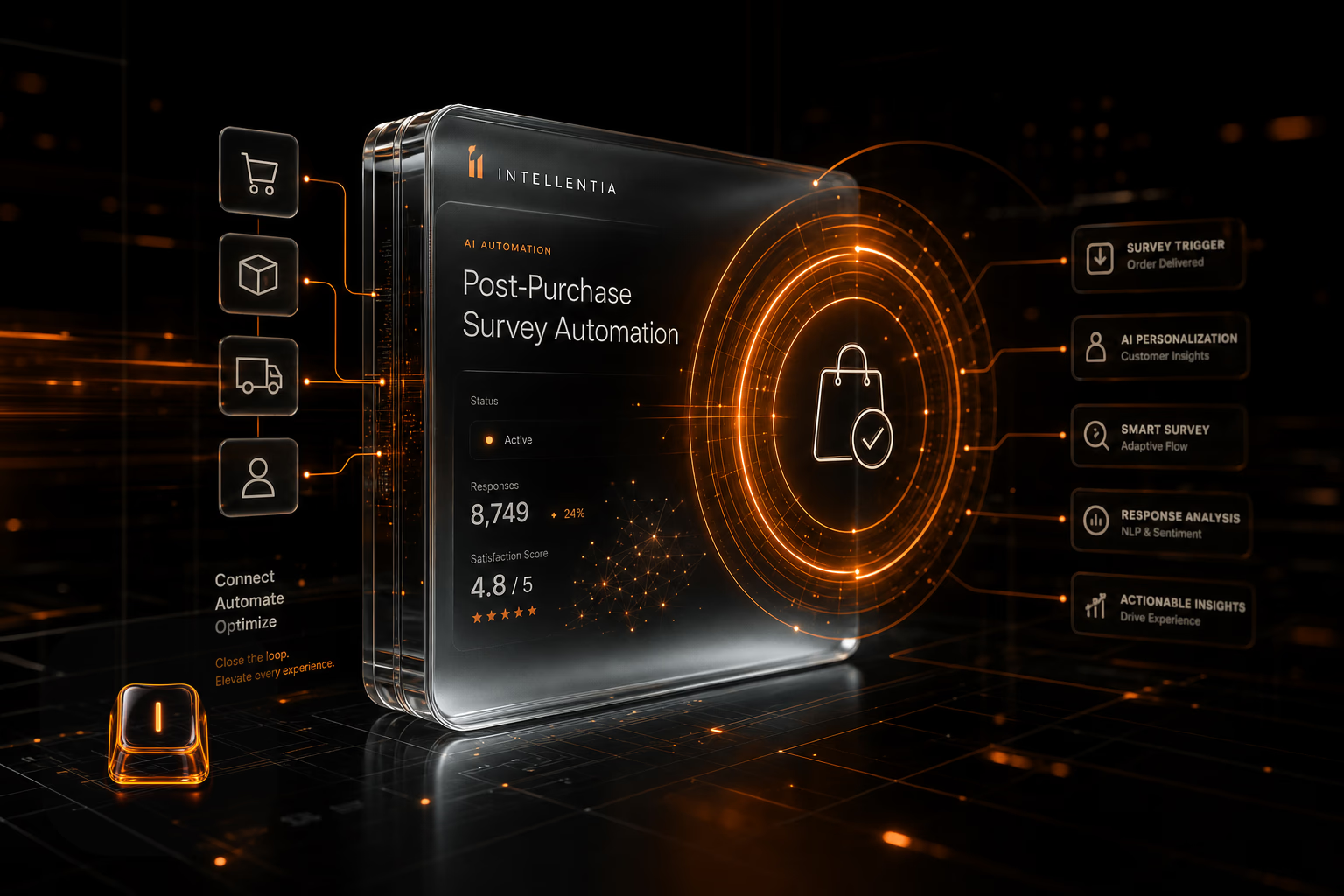
Automating post-purchase surveys allows retail businesses to gather valuable feedback without overloading the team and with better response rates.
Why should you automate post-purchase surveys in retail?
If you're sending surveys manually, you know the drill. It's slow, someone has to remember to do it, and the data trickles in inconsistently. Human error is a given, and personalization is usually just a mail merge field. What we see when we build this in real businesses is that automation isn't about luxury; it's about getting reliable data you can actually use. It systematically captures feedback right after the purchase, when it's most relevant.
- Save time and team resources.
- Higher response rates due to quicker delivery.
- Scalable personalization based on customer data.
- Direct integration with CRM and analytics tools.
What tools do you need to automate surveys?
The architecture for this isn't complicated, but the pieces need to fit together correctly. Your stack will vary depending on how deep you want to go with personalization, but the core components are always the same:
- A CRM or customer management system to store data.
- An automated survey delivery tool like Typeform or Google Forms with Zapier.
- An analytics system to interpret responses (e.g., Google Analytics or Power BI).
- Optional: an AI engine to personalize questions or analyze open-ended responses.
You can get started with off-the-shelf tools, sure. But the real work is in the integration. Connecting your CRM to a survey tool and then piping the data into your analytics dashboard without creating duplicates or data silos is a technical challenge. This is where a technical team keeps you from getting burned by building a messy, unreliable system that nobody trusts.
How to design an effective survey?
The automation is just the plumbing. The quality of the data you get depends entirely on the questions you ask. Here are the ground rules we follow:
- Ask clear, concise questions.
- Include a mix of closed and open-ended questions.
- Personalize the greeting and thank-you message with the customer’s name.
- Keep response time under 3 minutes.
Respect the customer's time with a short, sharp survey. You get better data, and they don't feel like you're wasting their time. It's that simple.
What costs and time does this involve?
What people ask us every week is 'how long will this take and what does it cost?'. It depends on the architecture. A straightforward setup connecting your e-commerce platform to Typeform via an integrator like Zapier can be up and running in a couple of weeks, with minimal running costs. But if you want to feed that data into a BI tool and use AI to analyze open-text answers, you're looking at a more robust project—think 1-2 months. The investment is higher, but the quality of the insights you get is on another level.
What does this mean for your business?
This isn't about saving a few hours of manual work. It's about building a direct, unfiltered feedback loop from your customers into your operations. A properly built system lets you spot product flaws, fix shipping issues, and understand what makes customers return—all based on real-time data, not guesswork. It's a foundational piece for any business that wants to make decisions based on evidence.
FAQ
What is a post-purchase survey?
What response rate can I expect with automation?
Also on Intellentia: what we do · our solutions · request a demo
Read more: Typeform documentation · Zapier guide
Keep reading: How to Automate Personalized Promotions in Retail with AI · How to Automate Sales Reporting in Retail Without Manual Errors · How to Automate Cancellation Management in Restaurants · How to Automate Upselling in Restaurants with AI · How to Automate Dynamic Menus in Restaurants with AI