How to Automate Restaurant Bookings Without Losing the Human Touch
Automating restaurant bookings can streamline operations without sacrificing customer experience. Here's how to do it right.
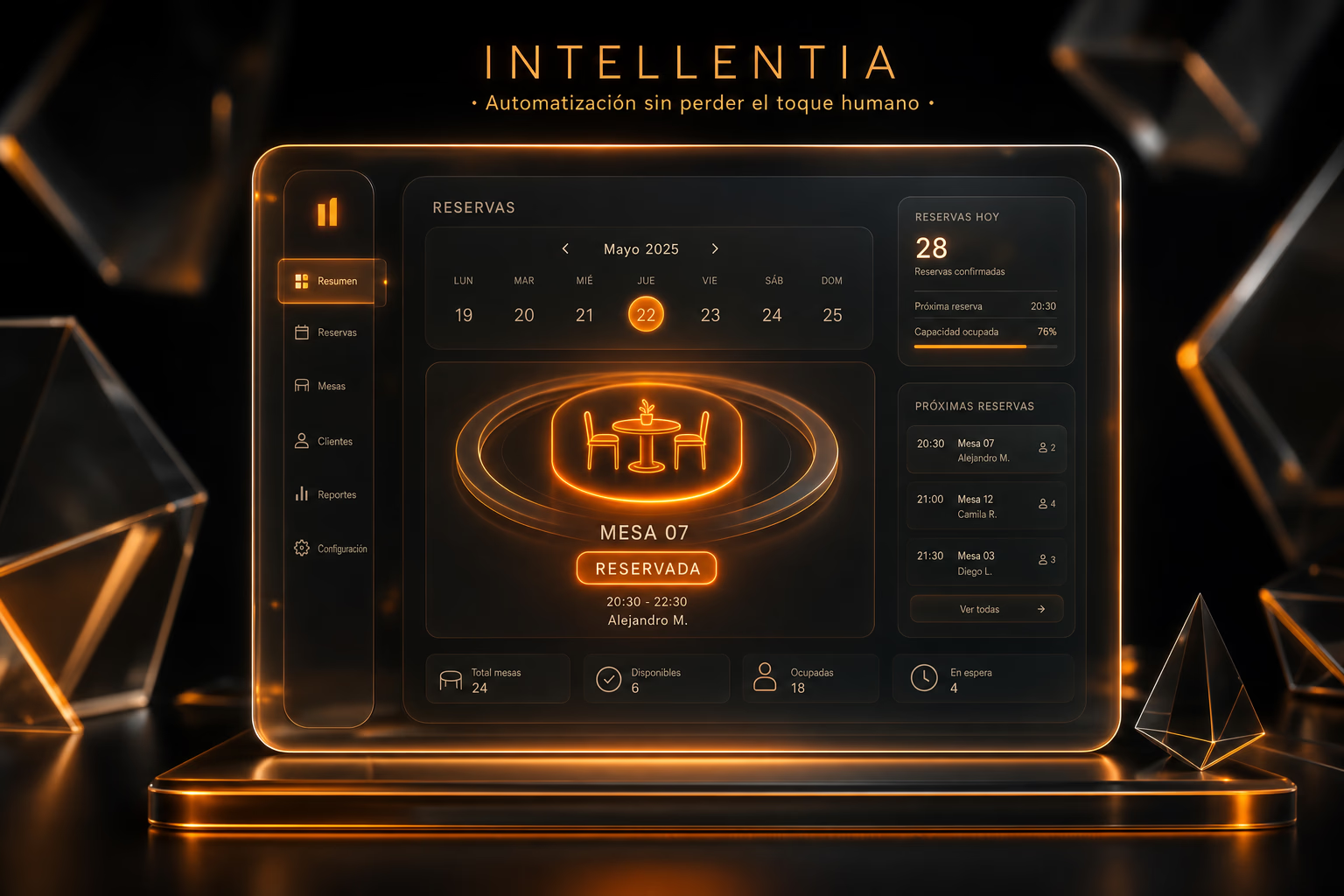
Automating restaurant bookings reduces manual workload and enhances customer experience by offering a faster, more accurate process. Here's how to keep the personal touch intact while improving efficiency.
Why should you automate bookings in your restaurant?
Trying to manage bookings by hand is a recipe for disaster during peak hours. We've seen it time and again: double bookings, lost reservations, and frustrated customers. An automated system isn't just about avoiding those errors; it's about building a reliable process that frees up your team to handle the floor and give guests a great experience. It also ensures consistency and reduces stress for your staff.
- Reduces errors in booking management.
- Provides 24/7 availability for online reservations.
- Allows personalization of customer preferences (e.g., dietary needs, favorite tables).
- Improves table turnover rates and operational efficiency.
What do you need to get started?
To get this right, you're not just buying a single tool; you're building an integrated system. We approach this by connecting a few key pieces of tech to create a seamless workflow. Here's what that architecture typically looks like:
- A booking management software with open API for integrations.
- A communication system (WhatsApp, email, or SMS) for automatic confirmations and reminders.
- An AI module to manage availability, customer preferences, and optimize table assignments.
What people assume is that customers want a personal phone call. The reality? Over two-thirds of them prefer to book online, but only if the system is straightforward and actually works. A clunky interface will send them straight to your competitor.
How to choose the right tools?
The market is flooded with off-the-shelf booking tools, but they are not one-size-fits-all. A platform like OpenTable or ResDiary can handle basic booking, but the real challenge is making it talk to your other systems—your POS, your CRM, your inventory. This is exactly where a technical team keeps you from getting burned. We evaluate whether a pre-built tool can be properly wired into your operations or if a custom solution, built to fit your exact workflow, is the smarter long-term investment.
Key factors to consider:
- Compatibility with your current management system (CRM, ERP).
- Ease of use for both your team and customers.
- Customization and scalability capabilities.
- Robust reporting and analytics for better decision-making.
What costs and timelines should you expect?
Let's talk real numbers, because project cost depends entirely on technical complexity. For a single location, a straightforward implementation connecting a booking tool to your existing systems will typically land in the $2,000 to $5,000 range. We can usually get that live in 2-4 weeks. If you need a more custom build—say, with multi-location logic or deep POS integration—you're looking at a 2-3 month project. While the initial investment might seem steep, the long-term benefits in efficiency and customer satisfaction often outweigh the costs.
What does this mean for your restaurant?
This isn't about replacing your host with a robot. It's about building a solid operational backbone so your team can focus on hospitality, not juggling phone calls and spreadsheets. A well-built system runs silently in the background, eliminating errors and optimizing your table turnover. The result is a less stressed team and a better guest experience. By automating routine tasks, your restaurant can maintain its unique character while providing a seamless booking experience for your customers.
FAQ
Can I integrate a booking system with my current CRM?
Can the system handle group bookings or events?
Also on Intellentia: what we do · our solutions · request a demo
Read more: OpenTable · ResDiary
Keep reading: How to Automate Cancellation Management in Restaurants · How to Automate Customer Support with RPA · How to Automate Upselling in Restaurants with AI · How to Automate Dynamic Menus in Restaurants with AI · How to Automate Personalized Promotions in Retail with AI