How to Automate Recurring Payments in SMBs Hassle-Free
Recurring payments can be a headache for SMBs. Here's a clear guide to automating them efficiently and error-free.
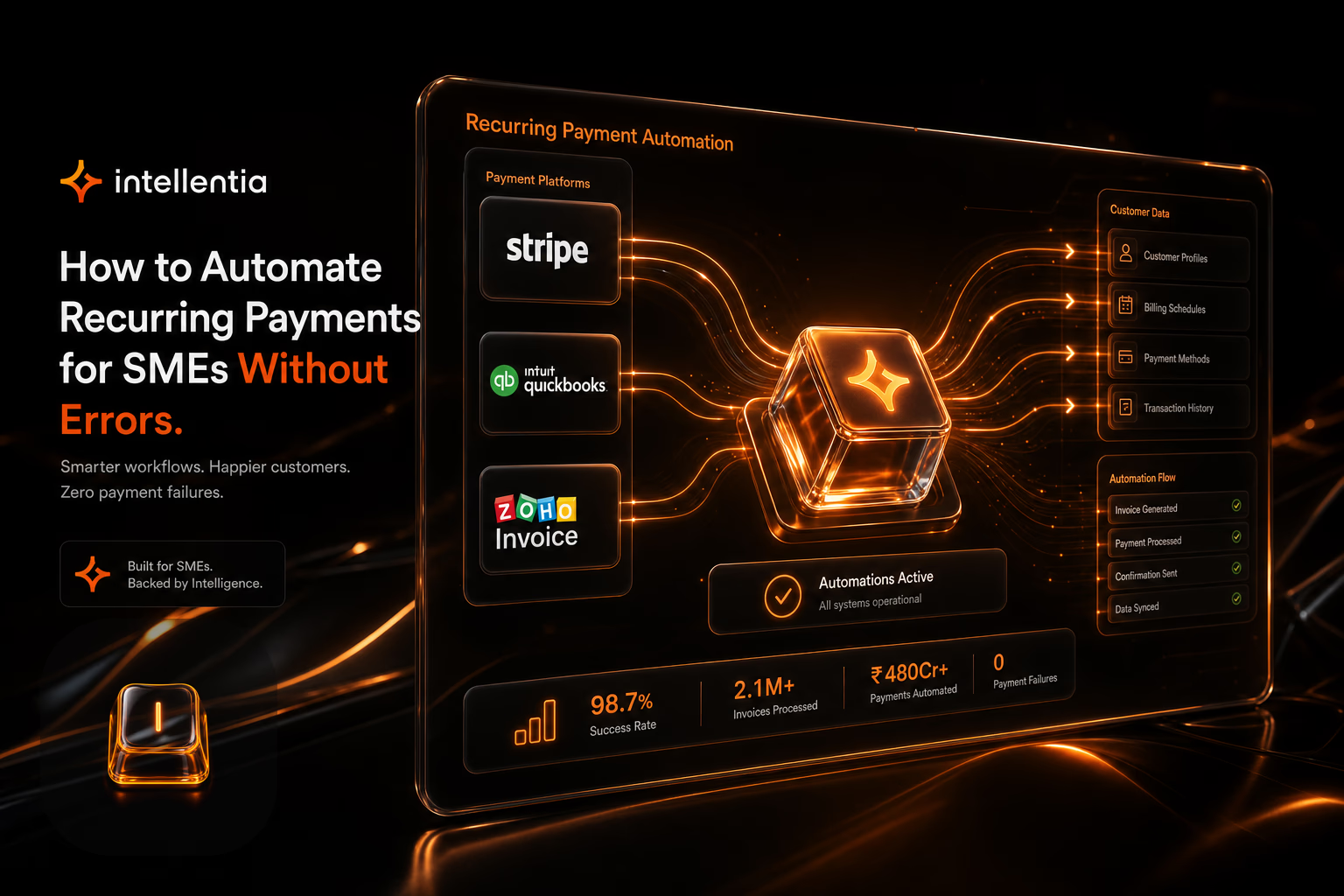
Automating recurring payments helps SMBs reduce human errors, save time, and enhance customer experience. Here's how to get started.
Why should your SMB automate recurring payments?
We see this constantly. Recurring payments are predictable revenue on paper, but they become a major source of friction when handled manually. A single typo in a spreadsheet, a missed invoice, or a duplicate charge doesn't just create a one-off accounting issue; it damages customer trust and wastes your team's time fixing it. Automation isn't a luxury. It's about building a reliable, error-proof financial engine.
- Minimizes human errors in billing.
- Guarantees timely payments without delays.
- Frees up administrative team time.
- Improves customer relationships by avoiding disputes.
What tools do you need for payment automation?
What people ask us every week is, 'What tech do we actually need for this?' You don't need a single, monolithic system. The smart approach is to connect the right components. We build a stack that starts with a solid payment management platform and then uses automation tools like RPA as the 'glue' to connect it with your other core systems, like your CRM or ERP. This lets us create a robust, custom workflow without forcing you to replace software that already works.
- Payment platforms like Stripe or GoCardless.
- Billing software like Zoho Invoice or QuickBooks.
- RPA tools for integration, such as UiPath or Automation Anywhere.
How to set up an automated payment workflow?
So, what does a real-world automated workflow look like once we build it? It's a logical sequence of events that runs without manual intervention:
- Setting up subscriptions or recurring payments in your payment platform.
- Integrating the platform with a CRM or management system to sync customer data.
- Automating invoice generation and customer notifications.
- Adding automatic reminders for failed payments.
A poorly configured system creates more chaos than manual work ever did. This is exactly why it pays to have a technical team map out the architecture properly from the start.
FAQ
Is automating payment systems expensive?
What if a customer has a payment issue?
Also on Intellentia: what we do · our solutions · real cases
Keep reading: How to Automate Data Cleaning in SMBs Without a Tech Team · RPA for SMBs: Automate Repetitive Tasks Without the High Costs · How to Automate Cancellation Management in Restaurants · How to Automate Upselling in Restaurants with AI · How to Automate Dynamic Menus in Restaurants with AI