How to Automate Invoicing in Your SMB Without Losing Control
Automating invoicing can save time and reduce errors in your small business. Here's how to do it without losing financial oversight.
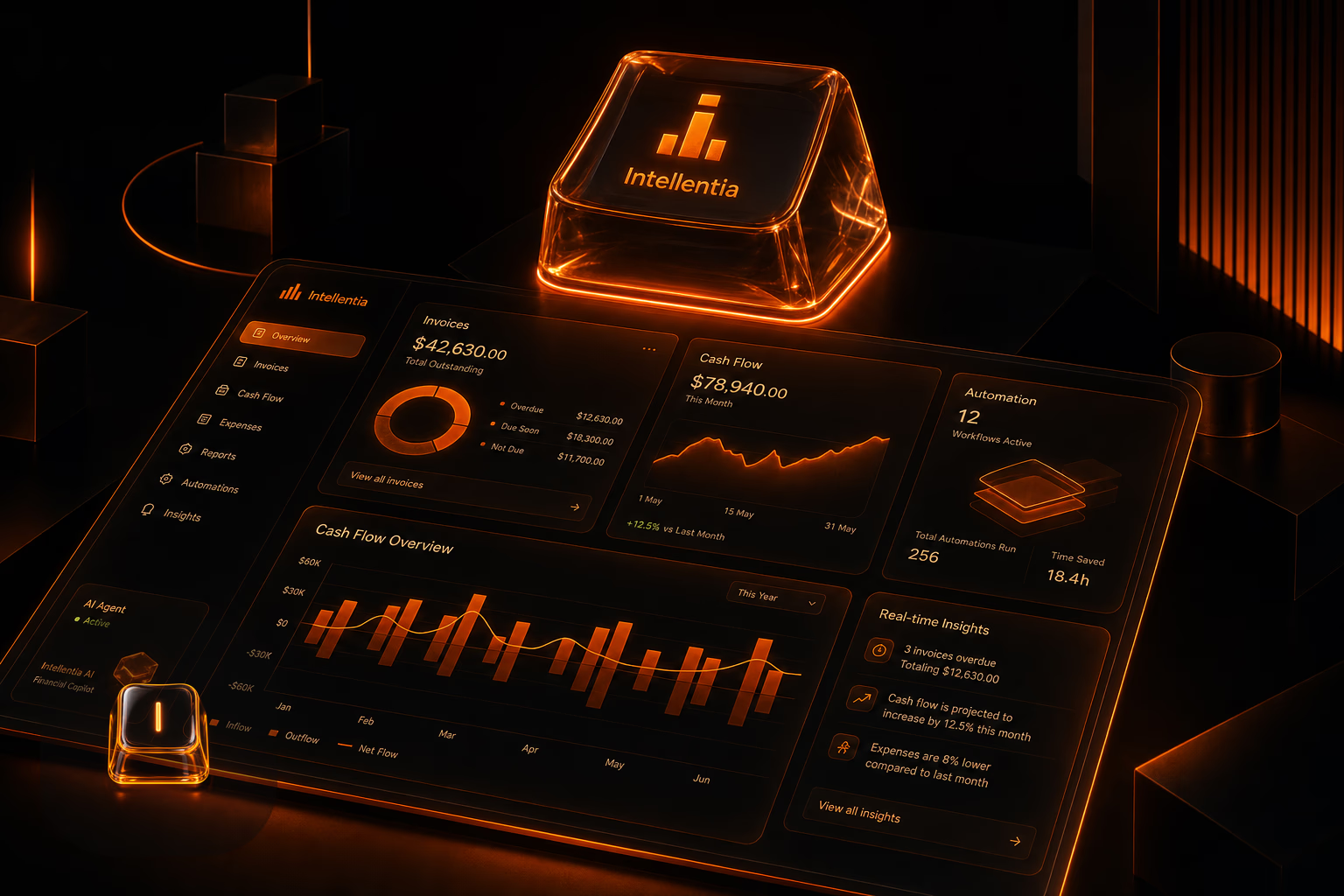
Automating invoicing in a small business might seem challenging, but with the right tools and proper planning, you can streamline this process while maintaining full financial control. Here's how.
Why should you automate invoicing in your SMB?
What we see in real businesses is that manual invoicing silently eats up profit. It’s the constant back-and-forth correcting typos, the time spent chasing late payments, and the fog of not knowing your real cash flow. A properly built automated system eliminates these drains, freeing up your team to do work that actually generates revenue.
What do you need to get started?
We don't start by picking tools; we start by mapping your existing process. We need to know the real details: how many invoices you send, what formats they're in, and what CRM or accounting software is already running. This blueprint is non-negotiable for building a system that plugs in correctly instead of causing more problems.
- Financial management software compatible with automation.
- Access to your historical invoicing data.
- A team willing to adapt to new tools.
What tools can you use?
The market is flooded with invoicing tools, but a standalone app is rarely the answer. The real work is in the architecture—making sure your chosen tools talk to your other systems. Whether it’s QuickBooks, Zoho, or something else, the platform itself is just one piece of the puzzle. The value is in the integration.
Automation without integration is just a fancier spreadsheet. The goal is a connected system where data flows, not one where you're still the middleman.
How much time and money does it take to implement?
This isn't a massive, year-long overhaul. For most SMBs, we can build and deploy a robust, integrated invoicing system in 4 to 6 weeks. The final cost, typically between $1,500 and $5,000, depends entirely on the complexity of the integrations—connecting to a custom database is different than plugging into a standard API.
What does this mean for your business?
This isn't just about efficiency. It's about clarity. When your invoicing is automated and integrated, you get a live, accurate view of your company's financial health. You can finally stop making critical business decisions based on outdated spreadsheets and start allocating resources with confidence.
FAQ
What are the benefits of automating invoicing?
Is it expensive to implement an invoicing automation system?
Also on Intellentia: what we do · our solutions · real cases
Read more: QuickBooks · Zoho Invoice
Keep reading: How to Automate WhatsApp Replies for Your Business · How to Automate Data Cleaning in SMBs Without a Tech Team · How to Automate Sales Reporting in Retail Without Manual Errors · RPA for SMBs: Automate Repetitive Tasks Without the High Costs · What is RAG and How to Use it in Your SMB