How to Deploy an AI Agent for Incident Management
Step-by-step guide to deploying an AI agent to automate and improve incident management in services.
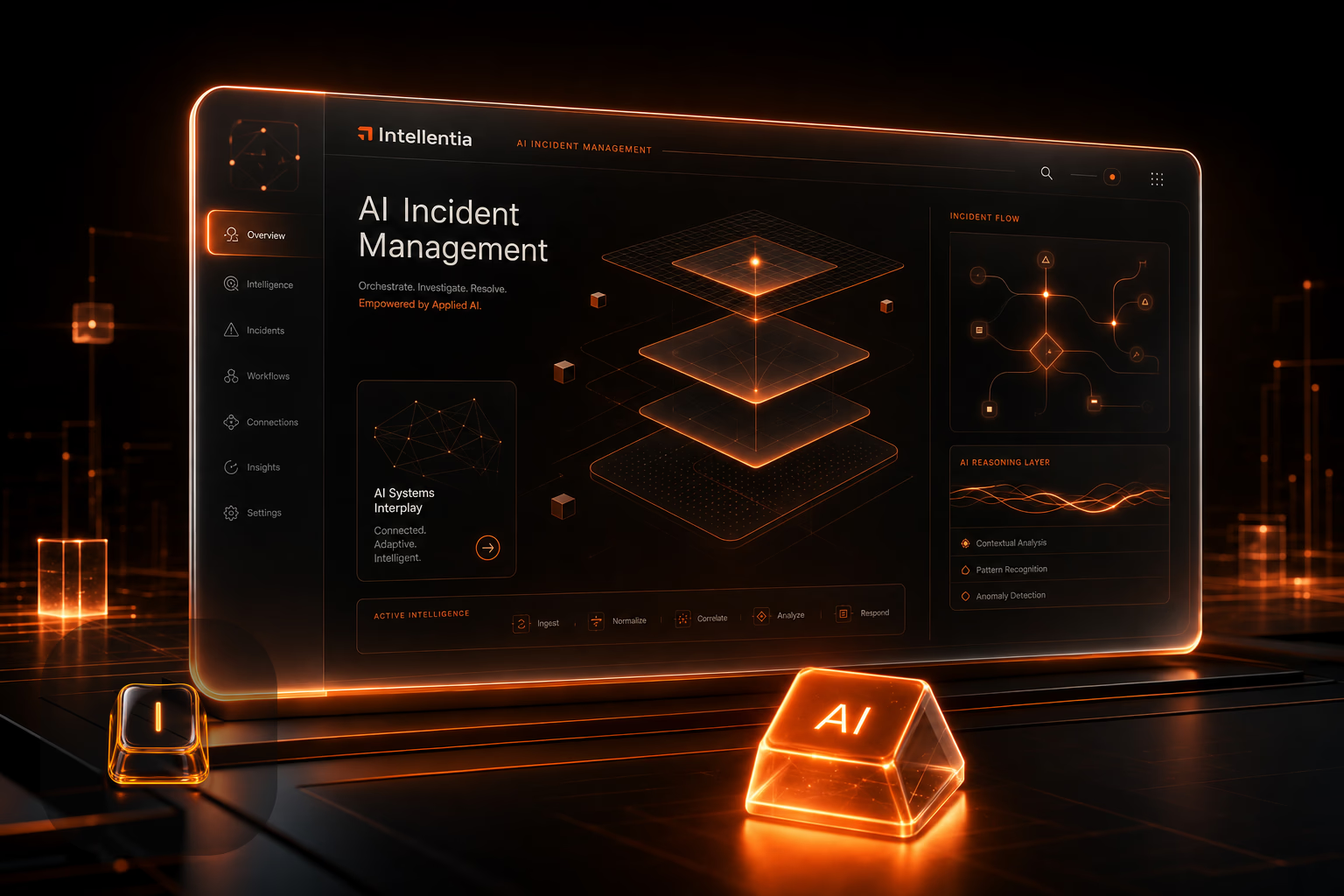
An AI agent for incident management can automate repetitive tasks, reduce response times, and enhance customer experience. Here's how to implement it.
What is an AI agent for incident management?
Think of an AI incident management agent as a custom-built workflow. At its core, it's a large language model (LLM), often from OpenAI or a private alternative, connected to your existing systems like Zendesk, Jira, or a simple email inbox. The agent reads incoming tickets, uses the LLM to understand and categorize them based on your historical data, and then triggers predefined actions. This could be anything from sending a standard reply to escalating the issue to a specific human.
When does it make sense to implement an AI agent?
What we see when we build this in real businesses is a clear tipping point. It happens when your team gets swamped with repetitive, low-level tickets—think password resets, 'how-to' questions, or basic troubleshooting. If a significant portion of your support volume consists of issues with a clear, documented solution, you have a solid case. The goal isn't to replace your team. It's to build a system that filters out the noise so your experts can focus on genuinely complex problems.
- Businesses managing over 100 incidents per month.
- Customer service teams with response times exceeding 24 hours.
- Companies with repetitive manual processes in problem management.
Steps to deploy an AI agent for incidents
Building an effective AI agent isn't about plugging in a tool and hoping for the best. It's a structured engineering project. We follow a clear, phased approach to make sure the system works reliably from day one.
- Define use cases: Identify the most common incidents the agent should handle.
- Select tools: Choose a suitable AI model, like GPT-4, and a platform for integration (e.g., a CRM or ticketing system).
- Train the model: Feed the agent with historical incident data to learn patterns and responses.
- Set up integrations: Ensure the agent connects seamlessly with your existing systems.
- Test and refine: Run real-world tests to identify areas for improvement before launch.
The real win isn't just speed. It's building a system that instantly categorizes 80% of incoming tickets and fully resolves 30% without human input. That's where the efficiency gains really come from.
Common pitfalls to avoid
What people assume is that the AI model is the hard part. What actually happens once you implement it is that projects fail because of a poor integration strategy or bad data. Here are the most common failure points we see in the wild:
- Insufficient data to train the model.
- Lack of human team involvement in workflow design.
- Deployments without thorough testing.
These are not theoretical risks; they are practical engineering problems that can derail a project or lead to an agent that creates more work than it saves. This is exactly where having a technical team pays off. We build the data pipelines, handle the API integrations, and implement the monitoring needed to keep you from getting burned by a poorly configured system.
How much time and cost is involved in deploying an AI agent?
The timeline and cost depend entirely on the complexity of the integration and the quality of your data. A straightforward agent connecting to a single system like Zendesk to handle a few well-defined incident types can be built in 6 to 12 weeks, with costs starting around €15,000 to €30,000. If you need to integrate with multiple legacy systems or clean up years of unstructured data, the project scope and budget will naturally increase. That initial investment covers the entire process: system architecture, model fine-tuning, integration development, and rigorous testing.
FAQ
What data does an AI agent need for training?
Can an AI agent handle all incidents?
Also on Intellentia: what we do · our solutions · real cases
Read more: OpenAI official documentation · AI best practices guide
Keep reading: How to Deploy an AI Agent for Quoting in Service Businesses · How to Deploy an AI Agent for Cross-Selling in Physical Stores · How to Choose a Custom AI Agent for Your SMB · AI Agent for Customer Service: Practical Implementation · How to Implement an AI Agent for Personalized Recommendations in Your Store